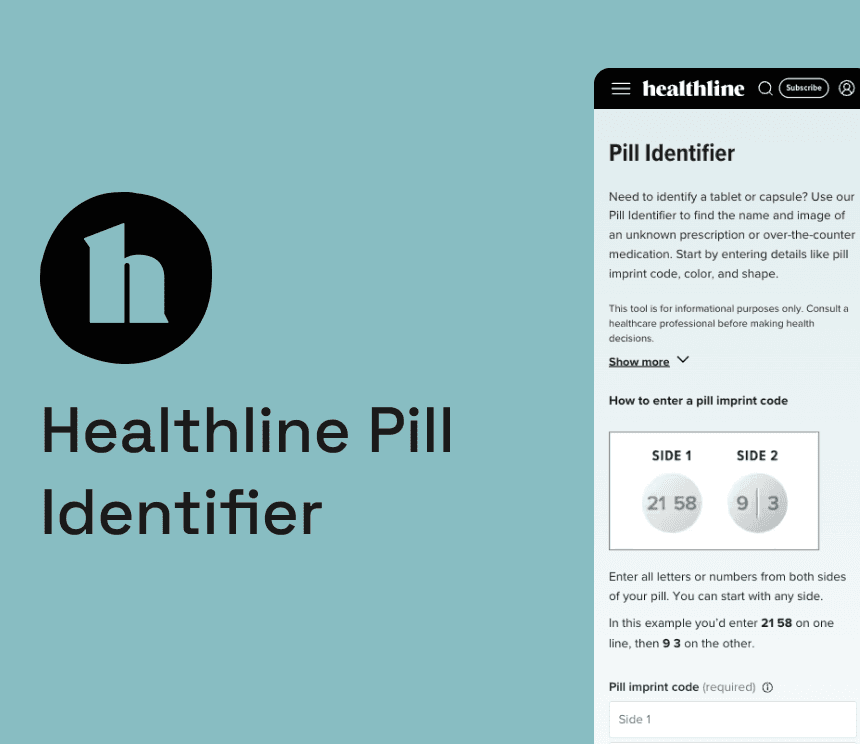
Creating a pill identifier tool that generated over 10K visits in its first month.
TOOLS
Figma
TIMELINE
1 month
TEAM
Product designer (me!)
UX researcher
Product manager
Tech lead
THE BRIEF
Pill identification was a gap in Healthline’s tool offering
Build a native pill identifier tool that could compete in the space and serve users who needed to identify an unfamiliar medication quickly and confidently.
CONTEXT
A well-established category with room to do it better
Users searching to identify a pill were landing on competitor tools instead of Healthline. With strong domain authority in health content but no dedicated tool in this category, Healthline was missing an entire segment of user intent. This was both a product gap and an SEO opportunity.
INSIGHTS
A usability study run on competitor tools uncovered a few key insights.
Rigid input was a barrier
Competitor tools required imprint information in a fixed order. Users who entered it differently ended up with no results.
Imprint should take precedence
When imprint matched, users expected results even if color or shape filters didn't align.
Users needed guidance
Most people didn't know what "imprint" meant. Explainer text was essential to reduce drop-off at the search step.
THE PROBLEM
Identifying a pill can be difficult. The tool shouldn’t be making it harder
Existing tools assumed users knew exactly how to search with standards such as fixed input order, no guidance, and a no results page as soon as one filter didn't match. For users in an anxious or time-sensitive moment, that friction was could be a cause for major frustration.
THE SOLUTION
Healthline’s Pill Identifier
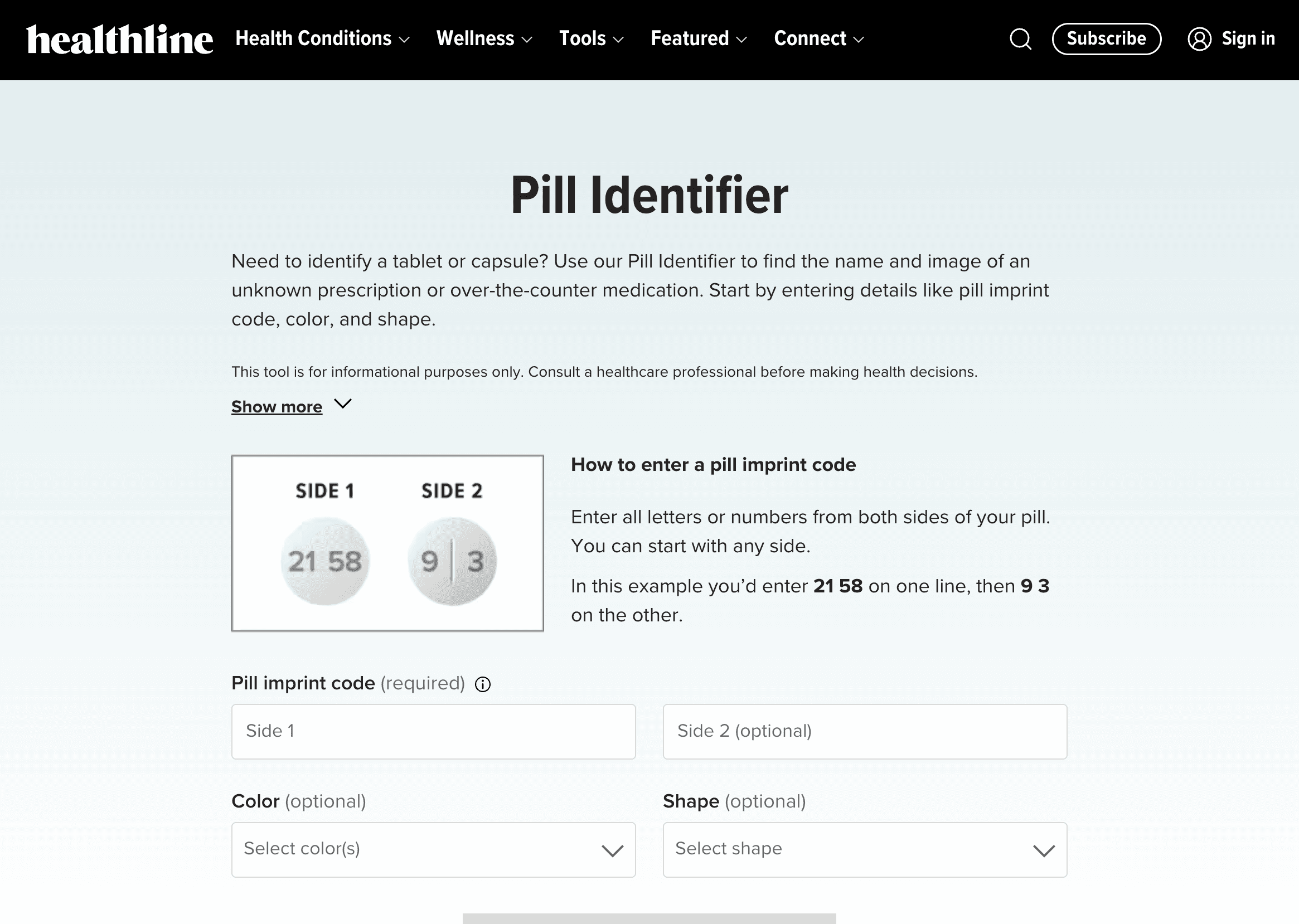
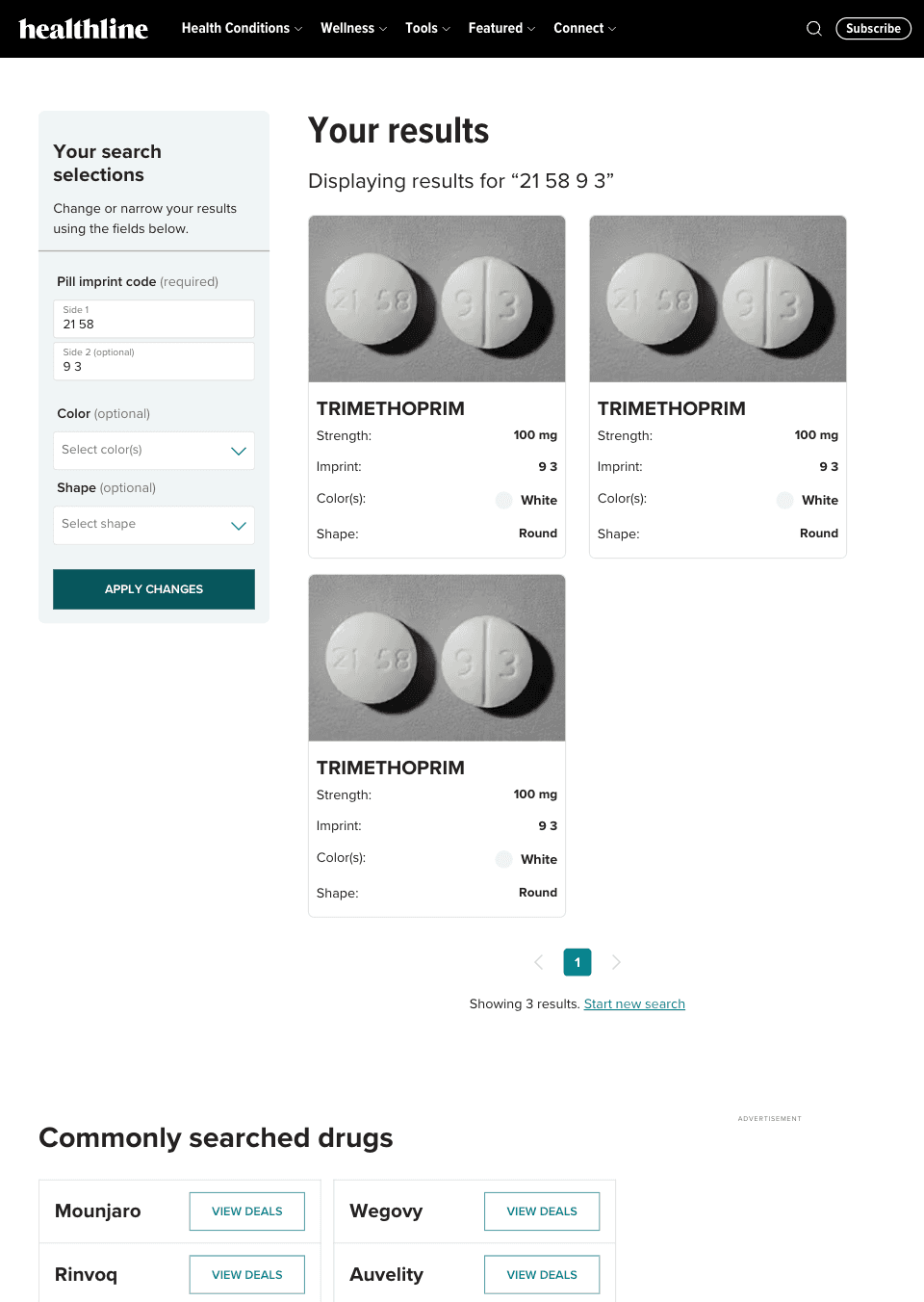
The tool lets users enter an imprint code (split across two sides if needed), then optionally filter by color and shape. Imprint results surface even when other filters don't match. Inline guidance explains what an imprint is and how to enter it. Results include a drug image and key medication details.
HOW IT PERFORMED WITH USERS
Moderated usability testing showed promising results in confidence and matching
Performance was on par with established competitors in the space.
Out of 5 participants, none misidentified a pill during testing
In 11 of 15 searches the participant correctly input the pill imprint code on their first try
When a pill was correctly identified, participants felt confident in the result through self-evaluation on a scale of 1-5
THE OUTCOME
Organic traffic grew steadily from launch and gave Healthline an entry point in pill identifier search results
10,227 unique page visits post launch
#7 SERP ranking for users searching for “pill identifier”
37% of users found a matching result
6% clicked through to read further drug details (on drugs with corresponding overview pages on Healthline)

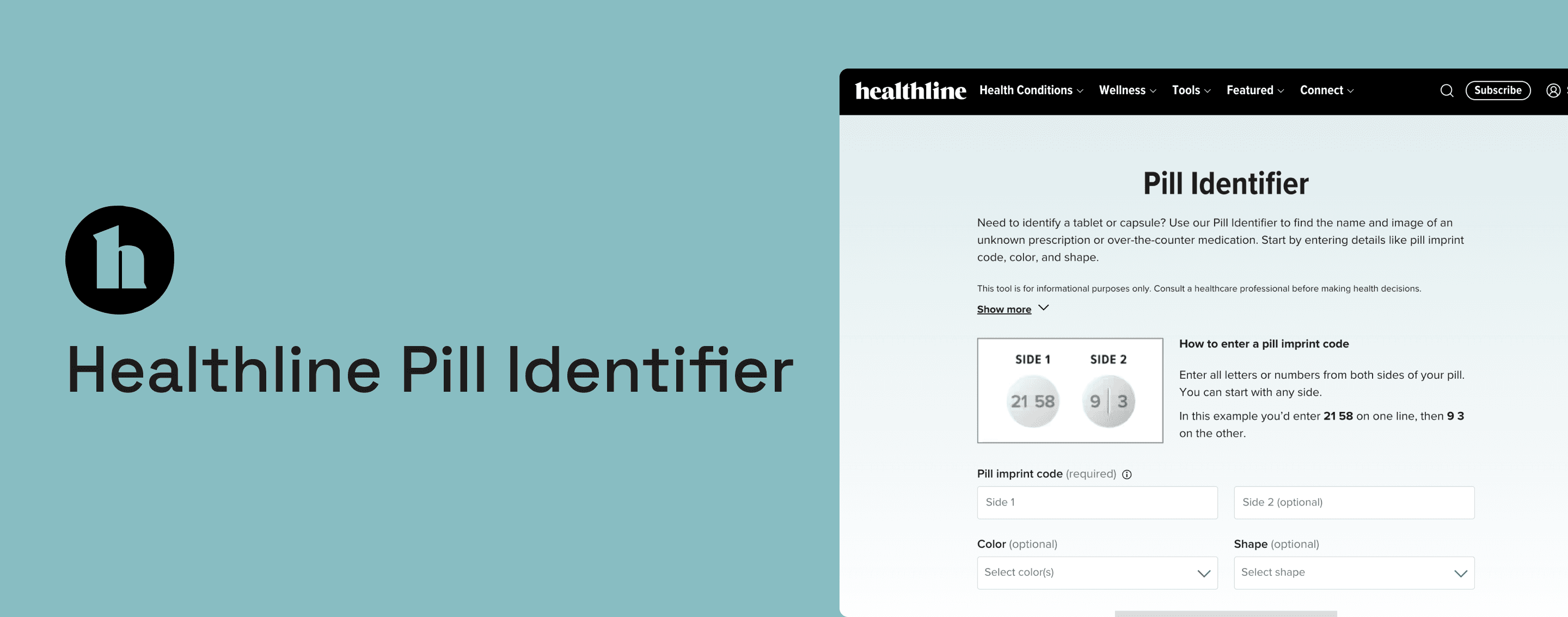
Creating a pill identifier tool that generated over 10K visits in its first month.
TOOLS
Figma
TIMELINE
1 month
TEAM
Product designer (me!)
UX researcher
Product manager
Tech lead
THE BRIEF
Pill identification was a gap in Healthline’s tool offering
Build a native pill identifier tool that could compete in the space and serve users who needed to identify an unfamiliar medication quickly and confidently.
CONTEXT
A well-established category with room to do it better
Users searching to identify a pill were landing on competitor tools instead of Healthline. With strong domain authority in health content but no dedicated tool in this category, Healthline was missing an entire segment of user intent. This was both a product gap and an SEO opportunity.
INSIGHTS
A usability study run on competitor tools uncovered a few key insights.
Rigid input was a barrier
Competitor tools required imprint information in a fixed order. Users who entered it differently ended up with no results.
Imprint should take precedence
When imprint matched, users expected results even if color or shape filters didn't align.
Users needed guidance
Most people didn't know what "imprint" meant. Explainer text was essential to reduce drop-off at the search step.
THE PROBLEM
Identifying a pill can be difficult. The tool shouldn’t be making it harder
Existing tools assumed users knew exactly how to search with standards such as fixed input order, no guidance, and a no results page as soon as one filter didn't match. For users in an anxious or time-sensitive moment, that friction was could be a cause for major frustration.
THE SOLUTION
Healthline’s Pill Identifier
The tool lets users enter an imprint code in any order (split across two sides if needed), then optionally filter by color and shape. Imprint results surface even when other filters don't match thanks for fuzzy matching. Tooltip guidance explains what an imprint is and how to enter it. Results include a drug image and key medication details to allow users to further confirm their pill and feel more confident in their search.
HOW IT PERFORMED WITH USERS
Moderated usability testing showed promising results in confidence and matching
Performance was on par with established competitors in the space.
Out of 5 participants, none misidentified a pill during testing.
In 11/15 searches the participant correctly input the pill imprint code on their first try
When a pill was correctly identified, participants felt confident in the result through self-evaluation on a scale of 1-5.
THE OUTCOME
Organic traffic grew steadily from launch and gave Healthline an entry point in pill identifier search results
10,227 unique page visits post launch
#7 SERP ranking for users searching for “pill identifier”
37% of users found a matching result
6% clicked through to read further drug details (on drugs with corresponding overview pages on Healthline)